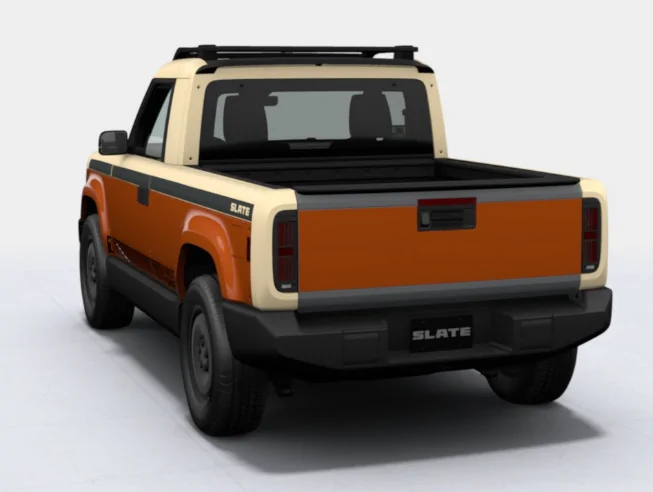
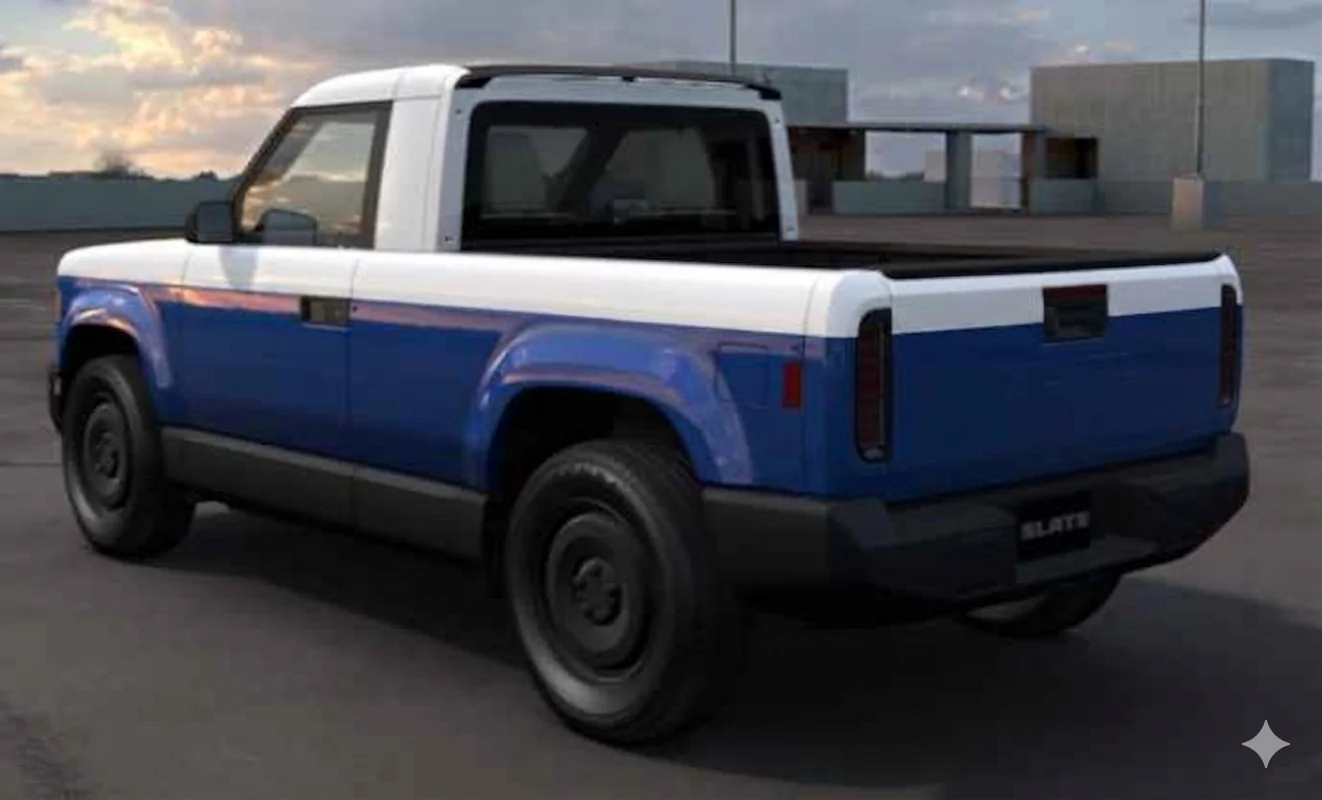
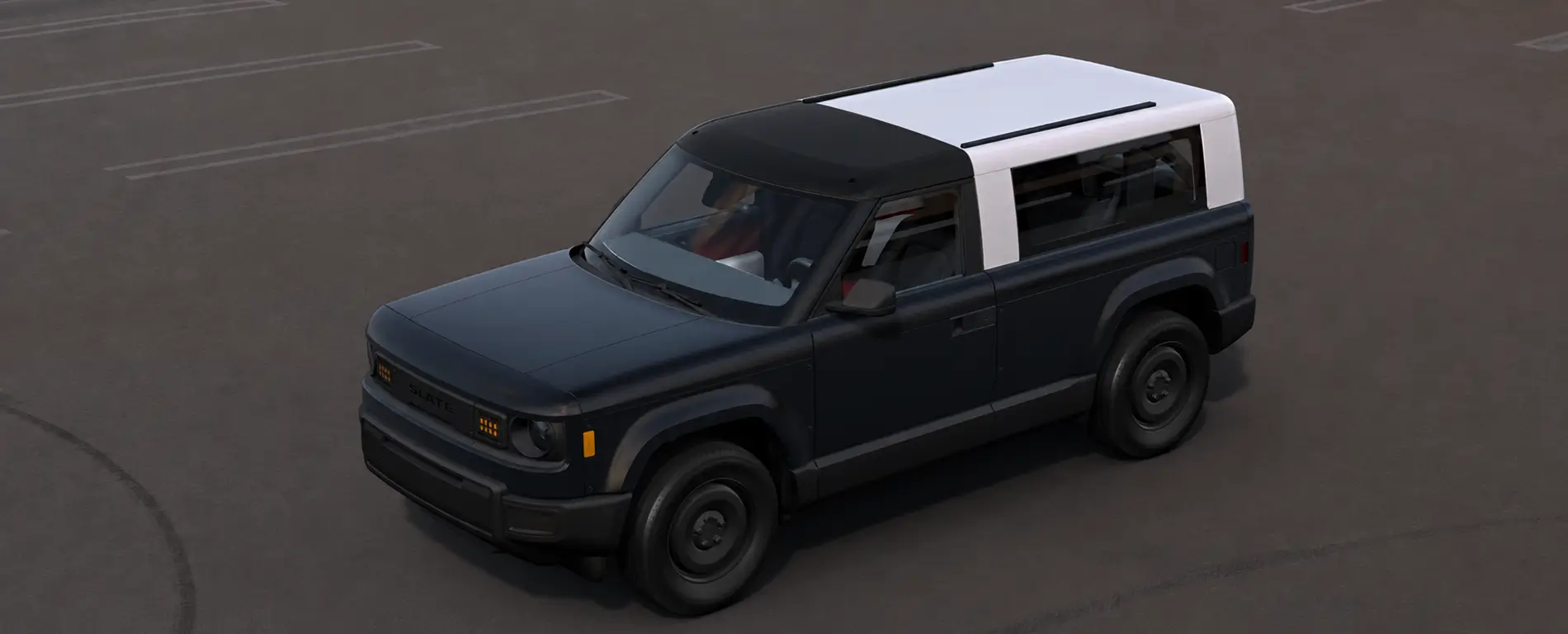
Why can't I choose a different wrap for the tailgate, or have the tailgate colr match the body intead of the top> I think this looks weird.from the back.
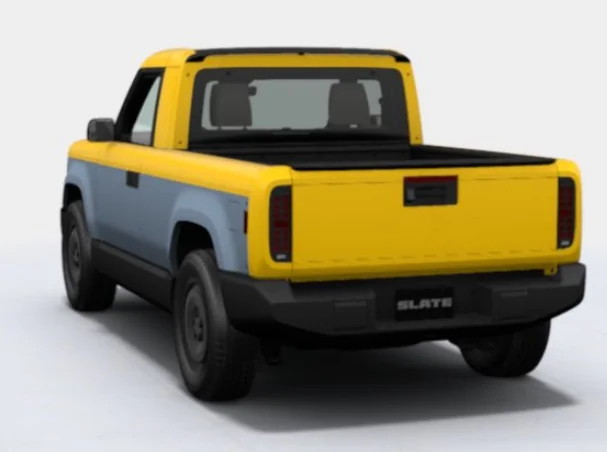
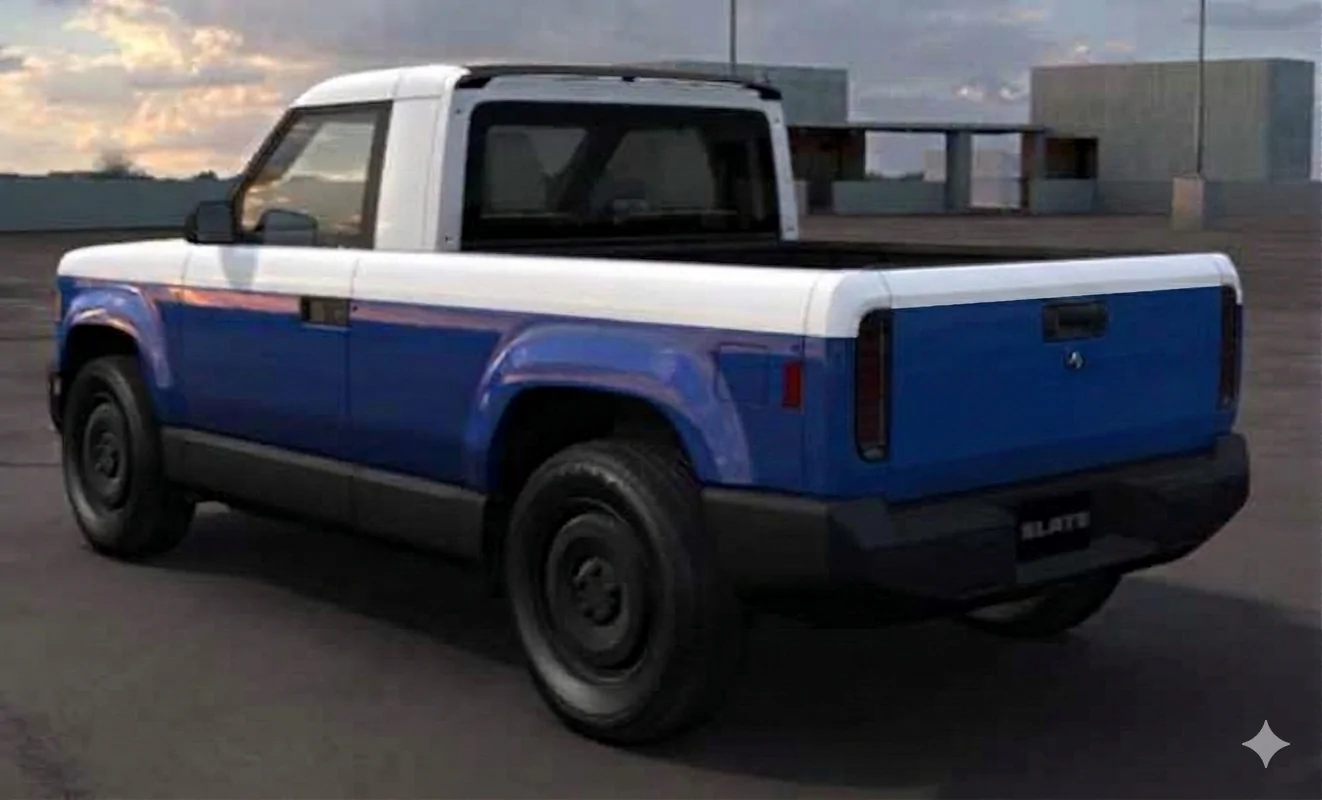
Play around in the maker wraps. Full wrap with side panel will color the inside/middle of the tailgate like you have. Upper Partial with side wrap will give you what I have below.
Sometimes it still gets silly. I find if I put on the upper last, it tends to be the top layer in the model.
Why can't I choose a different wrap for the tailgate, or have the tailgate colr match the body intead of the top> I think this looks weird.from the back.
Play around in the maker wraps. Full wrap with side panel will color the inside/middle of the tailgate like you have. Upper Partial with side wrap will give you what I have below.
Sometimes it still gets silly. I find if I put on the upper last, it tends to be the top layer in the model.
Why can't I choose a different wrap for the tailgate, or have the tailgate colr match the body intead of the top> I think this looks weird.from the back.
I had this issue, too. To solve it, I went into summary, "trashed" my upper partial wrap, then added it back to the design. That color became primary on the tailgate then. I hope this works for you.
Also, I hope they actually look at all angles of our design when wrapping, so they see which color we preferred for our tailgates...🤞
I really hope that by the time we order our vehicle options, they produce a way for people to order wraps by panel instead of full/partial lower/partial upper/partial upper. We can sorta make the final vehicle match our desires by sequencing the section of wraps, but if they install the wraps before delivery, the installers won’t know what to do.
Besides the question of what color the tailgate should be, I’m partial to a white roof and c pillars that match the sides of the body. But the current wrap options don’t offer that.
I really hope that by the time we order our vehicle options, they produce a way for people to order wraps by panel instead of full/partial lower/partial upper/partial upper.
I really hope they offer a way to just buy a roll of wrap with the special Slate plastic adhesive that we can trim to size for whatever panel we want. Feed it into your Cricut, trim to fit with a knife, trim your desired shapes and stripes and whatever with knifeless tape, whatever you want to do!
Pre-cut decals are great. Printed wraps are great. Factory-designed coordinating color sets from designers who are a lot more artistic than me is great. And if we're saving money because they're able to tessellate the pre-cut panels to optimize coverage over a 5' wide roll, that's great.
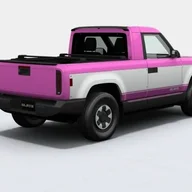
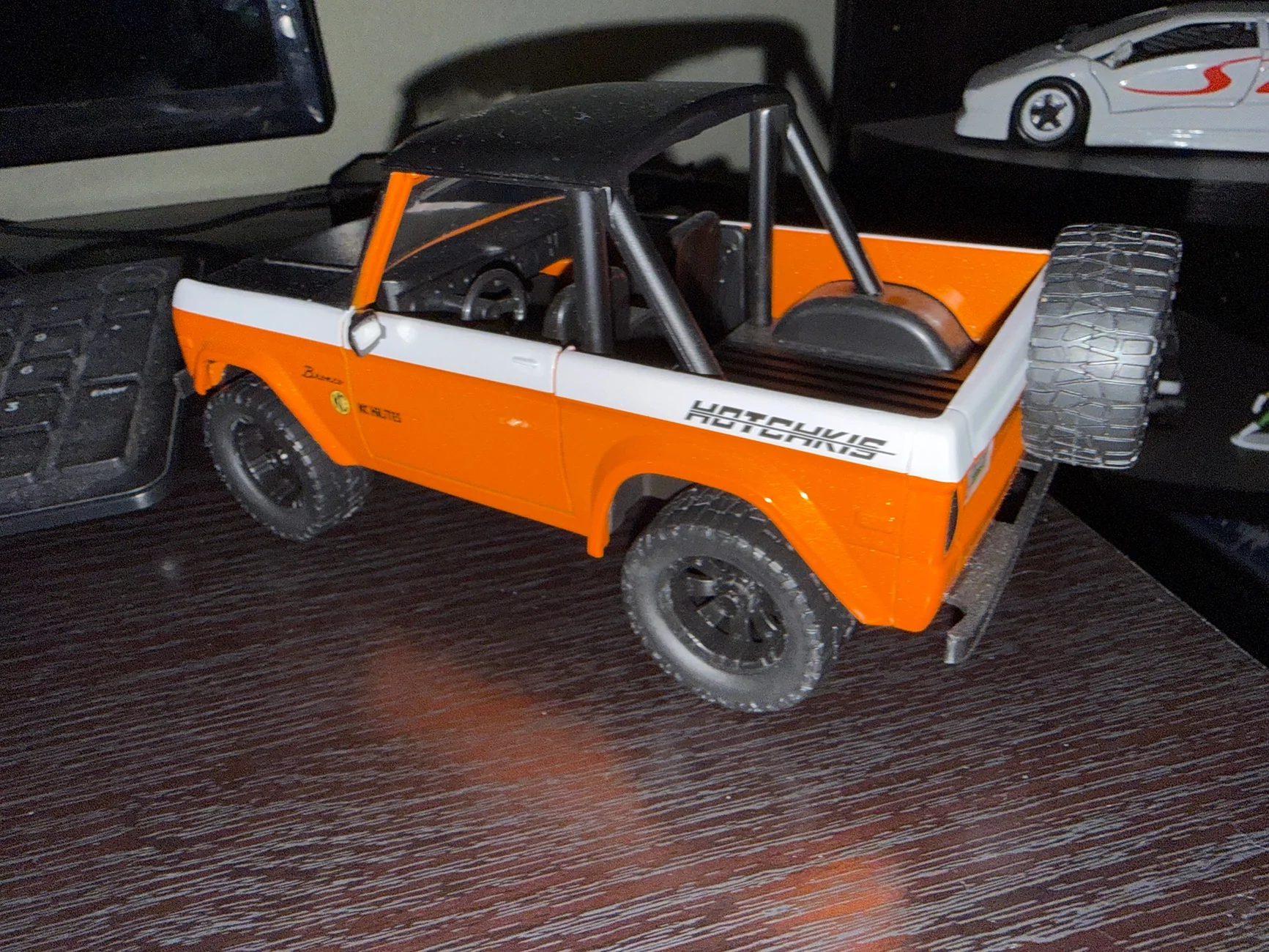
I would love to be able to do that as well. I really would love to see a color scheme like on this diecast I have but the maker doesn’t allow for that much customization. I asked Slate and they said they will offer custom wraps sometime before delivery but it’s gonna cost in the range of $1500.
Pretty sure the wraps in the maker are in a preview state. They aren't necessarily going to stay the same when people are able to actually order in 4-5 months.
In fact I think even the colors may be subject to change, if Slate hasn't finalized the sourcing on the wrap material, so that may be why we haven't seen names matched to colors when we see things like that color wall, or anything like swatches being available.